
Class.room with Leica, Olympus and Nikon microscopes – how to choose the right camera for your microscopy lab?
The Class.room system works with microscopes from three leading manufacturers: Leica Microsystems, Evident Olympus and Nikon. The key to a successful installation is choosing the right camera – mounted between the microscope stand and the eyepiece head – which connects the microscope to the local network and the classroom management software.
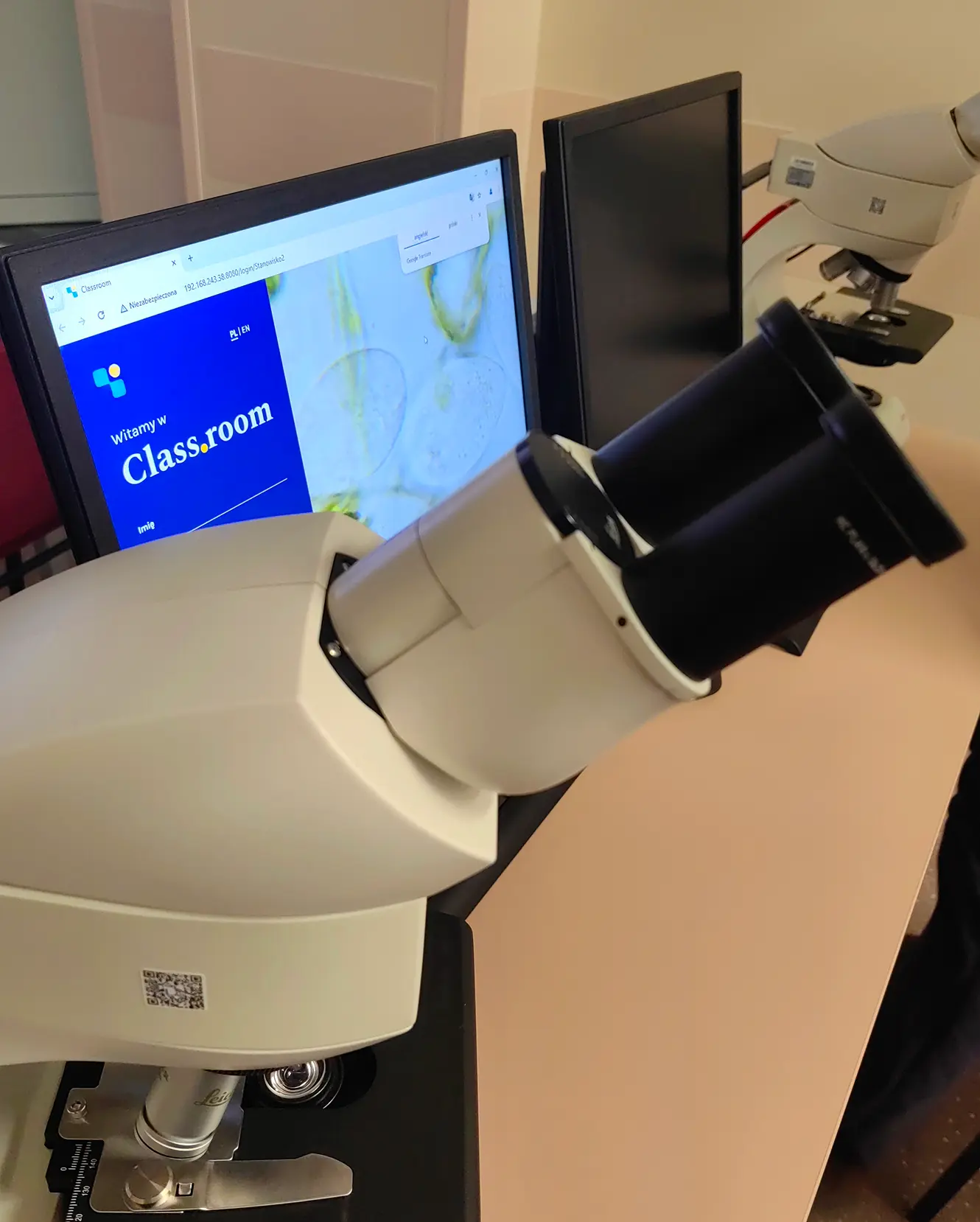
How does the camera connect the microscope to Class.room?
Every educational microscope — regardless of manufacturer — is a standalone optical device. To bring the image from the eyepiece into the network and make it part of a digital classroom management system, a digital camera must be installed.
In configurations compatible with Class.room, cameras are mounted between the microscope stand and the eyepiece head. This placement offers several practical advantages:
- The camera becomes an integral part of the microscope — it cannot be accidentally moved or removed.
- The image reaches the camera before the eyepieces, giving better quality than eyepiece-mounted adapters.
- The risk of incorrect configuration by a student is minimised.
- The setup is more resistant to mechanical damage under intensive lab use.

Leica DM500 – real-time microscope image transmission
The Leica DM500 is one of the most widely used microscopes in Polish medical and life science universities. Class.room works with it in two camera configurations:
Leica ICC50 camera
A camera dedicated to Leica microscopes — mounted directly between the stand and the eyepiece head. It forms a single unit with the stand, reducing the risk of misconfiguration and ensuring full optical compatibility between both devices.
Ostec FS48 EB-L-12 or TE-1200L camera
An alternative for institutions that prefer a different camera supplier while maintaining full compatibility with the Class.room system. Also mounted between the stand and the eyepiece head of the Leica DM500.

Olympus CX23 – monitoring students without leaving your desk
The Evident Olympus CX23 is a reliable microscope used in biology, medicine and pharmacy departments. It is known for its ergonomic design and high-quality optics, particularly valued during long laboratory sessions.
For Class.room integration, the Ostec FF48 EB-A-12 camera is used — mounted between the stand and the eyepiece head, in the same way as for Leica configurations. The camera is designed specifically for Olympus microscopes, ensuring mechanical fit and optical stability throughout the life of the lab.

Nikon ECLIPSE Si and Ei – sharing microscope images with the whole group in one click
The Nikon ECLIPSE Si and ECLIPSE Ei are educational and laboratory-grade microscopes popular in Polish research institutions and technical universities. Class.room integrates with them using the Ostec FF48 EB-N-12 camera — designed for Nikon microscopes and mounted between the stand and the eyepiece head.
The camera is engineered to match the mounting geometry of the Nikon ECLIPSE series, so installation requires no modifications and the microscope’s full optical performance is preserved.

Other microscopes – C-mount interface
If your microscopy lab uses microscopes from other manufacturers or models not listed above, Class.room supports cameras with a C-mount interface — a standard connector used in laboratory and industrial cameras.
The only requirement is that the microscope has a trinocular output or can be fitted with one. In that case, we recommend the Ostec CF48 B-C-12 camera, mounted via a C-mount adapter on the trinocular port.

Camera configuration summary for Class.room
| Manufacturer | Microscope model | Recommended camera |
|---|---|---|
| Leica Microsystems | DM500 | Leica ICC50 |
| Leica Microsystems | DM500 | Ostec FS48 EB-L-12 or TE-1200L |
| Evident Olympus | CX23 | Ostec FF48 EB-A-12 |
| Nikon | ECLIPSE Si, ECLIPSE Ei | Ostec FF48 EB-N-12 |
| Any with trinocular | Any manufacturer | Ostec CF48 B-C-12 (C-mount) |
Technical specification
The Class.room system provides the ability to transmit images without noticeable delays, thanks to a flexible architecture based on a local Ethernet network. Microscope cameras are connected to the local Ethernet network, ensuring reliability and high quality of transmitted images. Depending on the configuration and client choice, student devices can be tablets or desktop computers. In the case of tablets, the computer network can be expanded with WiFi, reducing the amount of cabling and increasing mobility.
If there is already a computer network in the microscopy room, it is necessary to verify its configuration to ensure it meets the requirements of the Class.room system. This ensures that the system can operate without disruptions, providing the highest quality of education and work comfort.
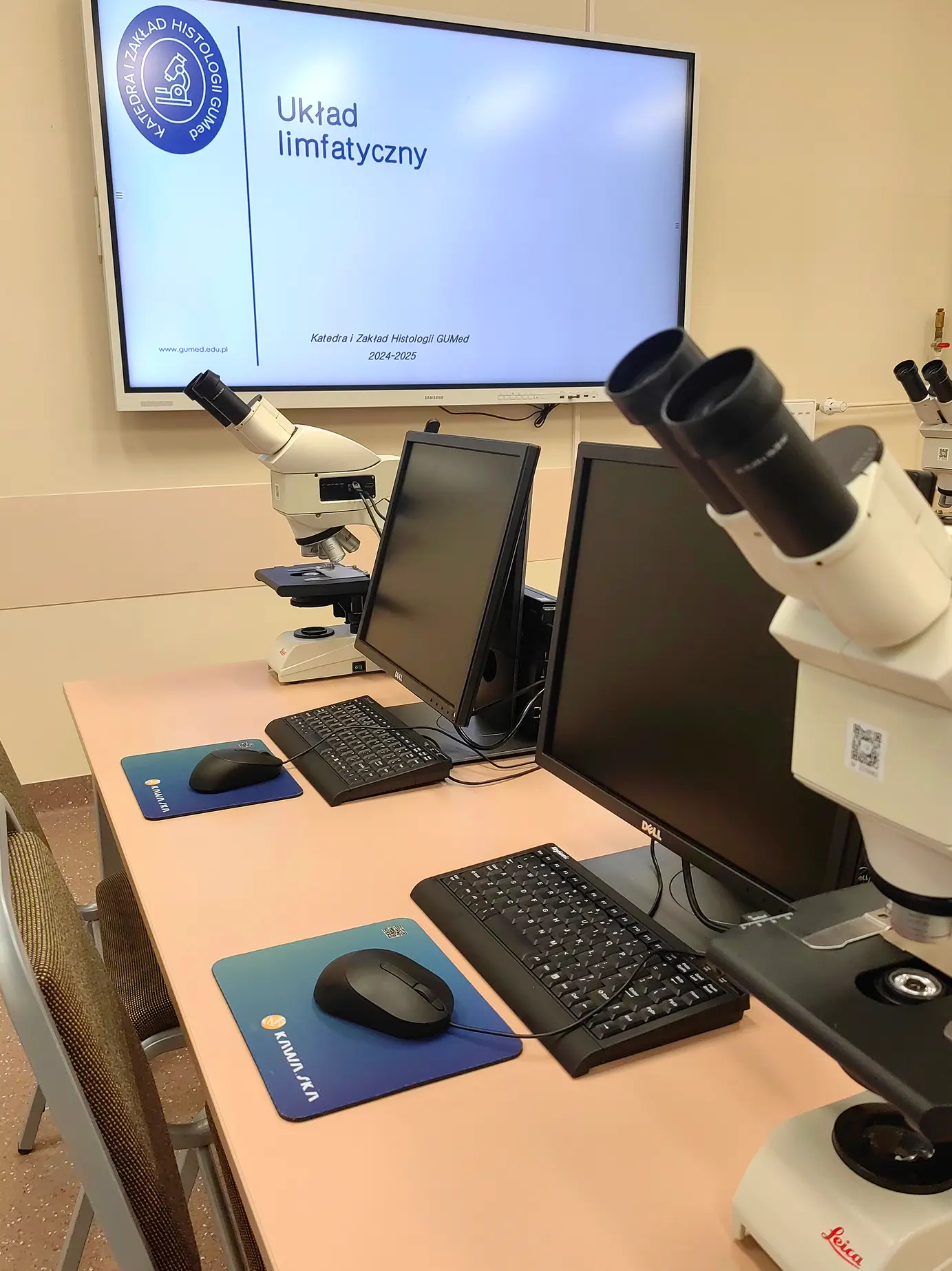
Implementation at the Medical University of Gdańsk
The Medical University of Gdańsk modernised four microscopy labs in December 2024. The project covered the installation of microscope cameras, local network configuration and deployment of the Class.room system.
The university now has state-of-the-art microscopy lab equipment that has raised the quality of education and enabled both students and academic staff to work with top-class instruments.
Frequently Asked Questions
Have questions or want to see
Class.room in action?
Contact us to find out how the Class.room system can improve microscopy classroom management at your university or institute.
We will be happy to answer your questions and help you find the right configuration for your needs.