
Microscope Software for Universities – Class.room
Universities face a growing challenge – how to run practical classes effectively when student groups are getting larger and quality expectations are higher than ever. Class.room microscope software for universities addresses these needs comprehensively — from managing microscopy classes to sharing live images in real time.
Software for Universities. What Do Lecturers Need?
Instructors running microscopy classes at universities need tools that genuinely improve their work with groups. It is not just about equipment it is about a system that allows monitoring student work, reacting instantly when a problem arises and sharing observation results with the entire group simultaneously.
Class.room is software for universities that combines all these functions in one system. The instructor sees a real-time image from every microscope in the room, can instantly identify a student’s problem and provide support without leaving the group.

Features of Class.room Microscope Software

Class.room microscopy classroom management system gives instructors full control over the course of classes. The teacher sees a real-time image from every microscope in the room — they can instantly identify a student’s problem and provide support without leaving the group. The system also allows saving images with comments, marking areas and performing measurements directly on the specimen.

When a student discovers something worth attention under the microscope, the instructor sends the image to a projector, multimedia board or all participants’ screens with a single click. Microscope image transmission happens in real time — no delays, no cables, no interruption to the lesson. This is one of the most valued Class.room features among academic lecturers.

Directly on the microscope image, instructors and students can add notes, mark areas and measure structures. Completed work can be instantly sent by email or shared with other system users. Collaboration and material exchange between class participants has never been easier.

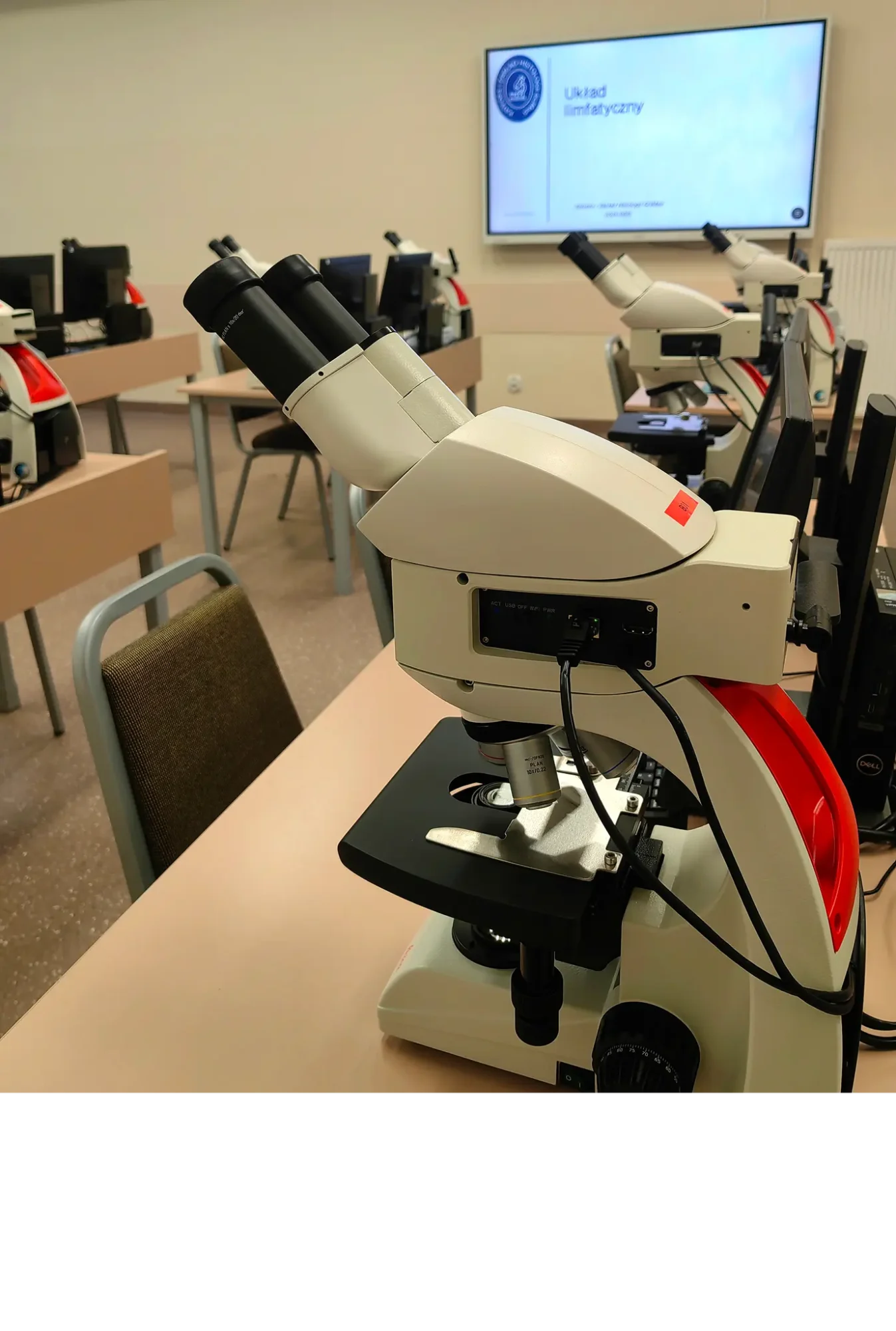
Class.room adapts to the infrastructure of any microscopy classroom — regardless of microscope manufacturer, number of workstations or available equipment. The system works with both desktop computers and tablets, and WiFi significantly reduces the amount of cabling required to set up workstations. The ideal solution for small labs and large academic microscopy classrooms alike.
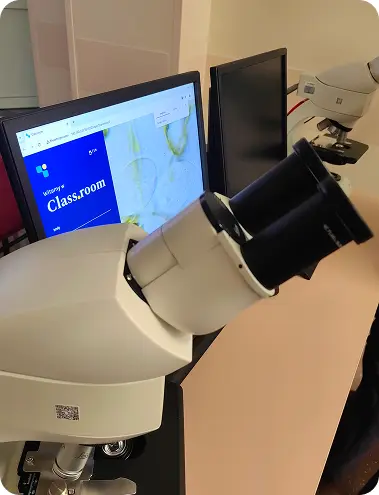
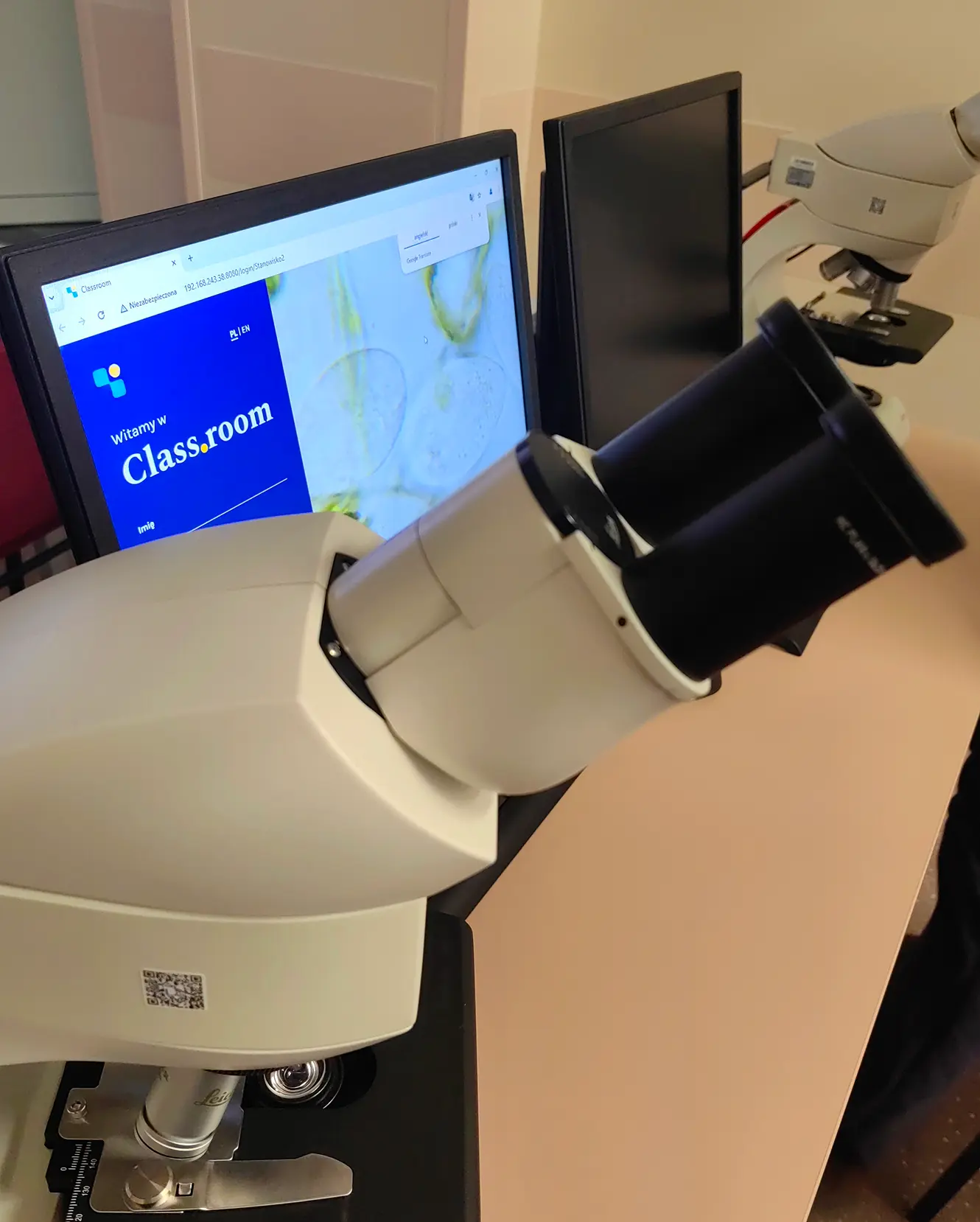
Class.room supports the BYOD (Bring Your Own Device) model — students can use their own laptops or tablets instead of classroom equipment. A predefined network configuration is all that is needed. The university saves on infrastructure costs while students work on devices they already know.
Software for University Faculties
Software for the Faculty of Biology
In biology faculties, students work with histological, cytological and botanical specimens. Class.room allows the instructor to see the image from every microscope without leaving their desk — and show an exceptional specimen to the entire group with a single click.
Software for the Faculty of Medicine
Histology and pathological anatomy classes require precision. Class.room allows the instructor to check in real time whether a student is correctly identifying tissue structures and immediately discuss the results with the whole group. Implemented at the Medical University of Gdańsk.
See the GUMed implementation →Software for the Faculty of Pharmacy
Pharmacy students work with microscopes during pharmaceutical botany and microbiology classes. Class.room enables real-time monitoring of specimen work and the creation of image documentation directly during classes.

System for University Classes. How Does Class.room Work?
Microscope cameras connected to the network stream live images from every workstation. The instructor sees all workstations simultaneously on a single screen and manages the class from one place.
With a single click, the instructor sends the selected microscope image to a projector, interactive whiteboard or all participants’ screens. Notes can be added directly to the image, areas marked and structure measurements performed. Completed work can be instantly sent by email or shared with all students.
The Class.room system adapts to the infrastructure of any microscopy room – regardless of microscope manufacturer, number of workstations or available equipment.


Collaboration with microscopes and microscope cameras
The Class.room system works with cameras and microscopes from various manufacturers, offering a wide range of configuration options. It is ideal for both creating new and expanding existing microscopy classrooms.

When choosing Leica Microsystems cameras and microscopes, you can use Leica DM500 microscopes with Leica ICC50 cameras. Alternatively, for the same Leica DM500 microscope, you can use the Ostec FS48 EB-L-12 or TE-1200L camera. These solutions, where the camera is mounted between the microscope stand and the eyepiece head, integrate the camera with the microscope, reducing the risk of incorrect configuration and increasing resistance to damage.

A similar solution can be achieved with Evident Olympus CX23 microscopes, using the Ostec FF48 EB-A-12 camera.

A similar solution can be achieved with Evident Olympus CX23 microscopes, using the Ostec FF48 EB-A-12 camera.

If you want to use a camera mounted with a C interface, the system can be used with any microscopes that can be equipped or expanded with a trinocular. In this case, we recommend the Ostec CF48 B-C-12 camera.
Technical specification
The Class.room system provides the ability to transmit images without noticeable delays, thanks to a flexible architecture based on a local Ethernet network. Microscope cameras are connected to the local Ethernet network, ensuring reliability and high quality of transmitted images. Depending on the configuration and client choice, student devices can be tablets or desktop computers. In the case of tablets, the computer network can be expanded with WiFi, reducing the amount of cabling and increasing mobility.
If there is already a computer network in the microscopy room, it is necessary to verify its configuration to ensure it meets the requirements of the Class.room system. This ensures that the system can operate without disruptions, providing the highest quality of education and work comfort.
Universities already using Class.room
Frequently Asked Questions
Have questions or want to see
Class.room in action?
Contact us to find out how the Class.room system can improve microscopy classroom management at your university or institute.
We will be happy to answer your questions and help you find the right configuration for your needs.